Core SaaS Stack
Identify mission-critical tools like Adobe Creative Cloud, GitHub, or specialized BIM software. Audit these quarterly to remove unused seats or features.
Review Stack Guide →The shift to remote work eliminates commuting but introduces complex overhead costs. Learn to calculate hardware lifecycles, audit software stacks, and manage utility increases to protect your bottom line.
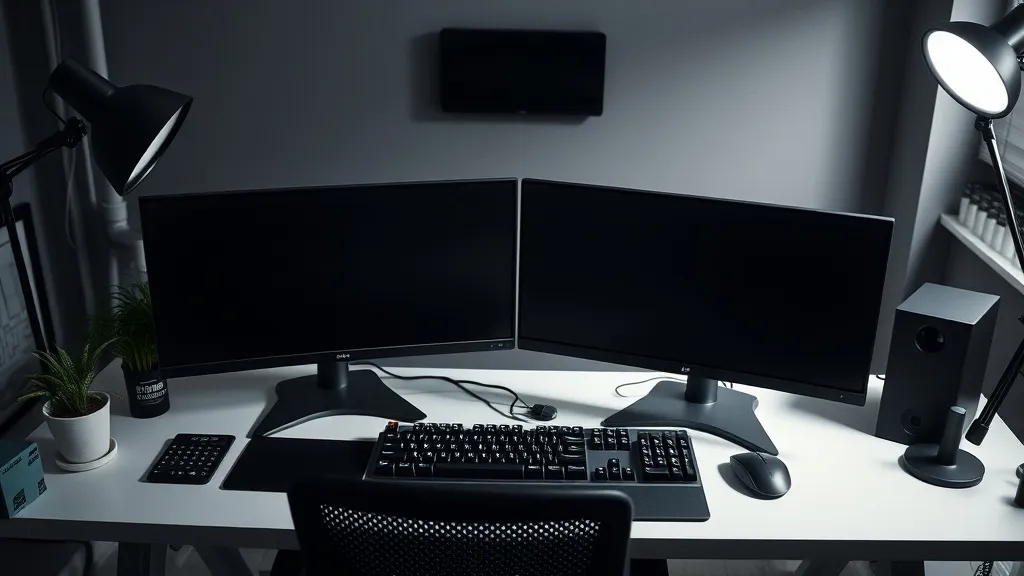
When transitioning from an office environment to a freelance or remote model, many professionals overlook the hidden operational expenses. In a traditional office, your employer handles the "invisible" costs: high-speed fiber internet, ergonomic seating, HVAC, and hardware replacement cycles. As an independent operator, these responsibilities fall entirely on you, requiring a structured approach to capital expenditure and operational budgeting.
Effective infrastructure planning prevents cash flow shocks when a primary workstation fails or a critical software license expires. By analyzing your needs through a technical lens, you can convert these unpredictable expenses into predictable monthly line items. This guide breaks down the essential factors of maintaining a professional-grade remote environment, from hardware depreciation to the utility overhead of a 24/7 home office.
Hardware is not a one-time purchase; it is a depreciating asset with a finite functional lifespan. For a professional developer, designer, or consultant, the "failure to upgrade" cost often exceeds the price of new equipment due to lost billable hours and decreased performance.
| Asset | Cost | Cycle | Monthly Reserve |
|---|---|---|---|
| Laptop/Desktop | $2,500 | 3 yrs | $69.44 |
| Ergo Chair | $1,200 | 8 yrs | $12.50 |
| UPS/Backup | $350 | 4 yrs | $7.29 |
Identify mission-critical tools like Adobe Creative Cloud, GitHub, or specialized BIM software. Audit these quarterly to remove unused seats or features.
Review Stack Guide →Slack, Zoom, and Calendly costs add up. Factor in "hidden" costs like paid cloud storage (Google One or Dropbox) for client deliverables.
Rate Benchmarks →Invest in a dedicated VPN, password manager (Team version), and automated backup solutions like Backblaze to mitigate disaster risks.
Tax Deductions →"Technical debt isn't just for code. An outdated freelance infrastructure creates operational friction that can reduce your effective hourly rate by as much as 15% through downtime and inefficiency."
— Tin Roof Journal Technical Analysis
New guides and news straight to your email.

A dedicated desk in a coworking space typically ranges from $300 to $600 monthly. While this appears as a high fixed cost, it often offsets home utility increases and provides networking opportunities. However, for deep-work professionals, the "focus tax" of a shared environment must be quantified. If distractions reduce your output by 2 hours a week, the coworking space effectively costs you an additional $200-$400 in lost billable time.
Zero commute time, 100% control over environment, tax-deductible square footage. Cons: Isolation, blurred work-life boundaries, increased electricity and heating loads.
Expect a 15-25% increase in residential utility bills. A professional workstation, dual monitors, and high-performance server (if applicable) can consume 400-800 Watts per hour. Over 160 hours a month, this is a significant delta compared to leaving the house empty during the day.
The "Hidden" Efficiency Factor
Reliable internet redundancy is non-negotiable. A secondary 5G failover line usually costs $30-50/mo but prevents the total loss of a billable day during local fiber maintenance.
Leasing offers predictable monthly costs and easier upgrades, but purchasing provides a long-term asset and lower total cost of ownership (TCO) if you maintain equipment for 4+ years.
Treat it as an insurance policy. If your daily rate is $500, a $50/mo backup line pays for itself if it saves just one hour of downtime per year.
Statistically, yes. A separate door significantly increases productivity and is a cleaner tax deduction in many jurisdictions. Reference our Tax Optimization Guide for specific math.
Download our infrastructure budget template to identify where you're overpaying for SaaS and under-investing in hardware reliability.